Order Hub

Order intake across every channel

Receive orders, bookings, payments and delivery requests from every channel, then route everything to the POS your restaurant already uses. The menu itself is owned by Master Catalog.

Order Hub

Streamline restaurant operations from one place.

Order Hub consolidates online orders, in-house bookings, payment flows, delivery requests and POS handoffs into one workflow, reducing manual entry, errors and duplicated screens. Menu data flows in from Master Catalog.

Real-time status sync with every channel

Real-time status sync with every channel

Every status change — accepted, in the kitchen, ready for pickup, dispatched, delivered, cancelled — flows back to Glovo, Uber Eats, Just Eat, Deliveroo and your direct channels in seconds. Customers see the right state, riders see the right pickup time, and the team stops fielding 'where's my order?' calls.

Channel pause and saturation protection

Channel pause and saturation protection

Pause Glovo, Uber Eats, Just Eat or any channel from one screen when the kitchen is overwhelmed. Resume automatically when capacity returns, or set rules so it happens without anyone having to act.

Multichannel order management

Multichannel order management

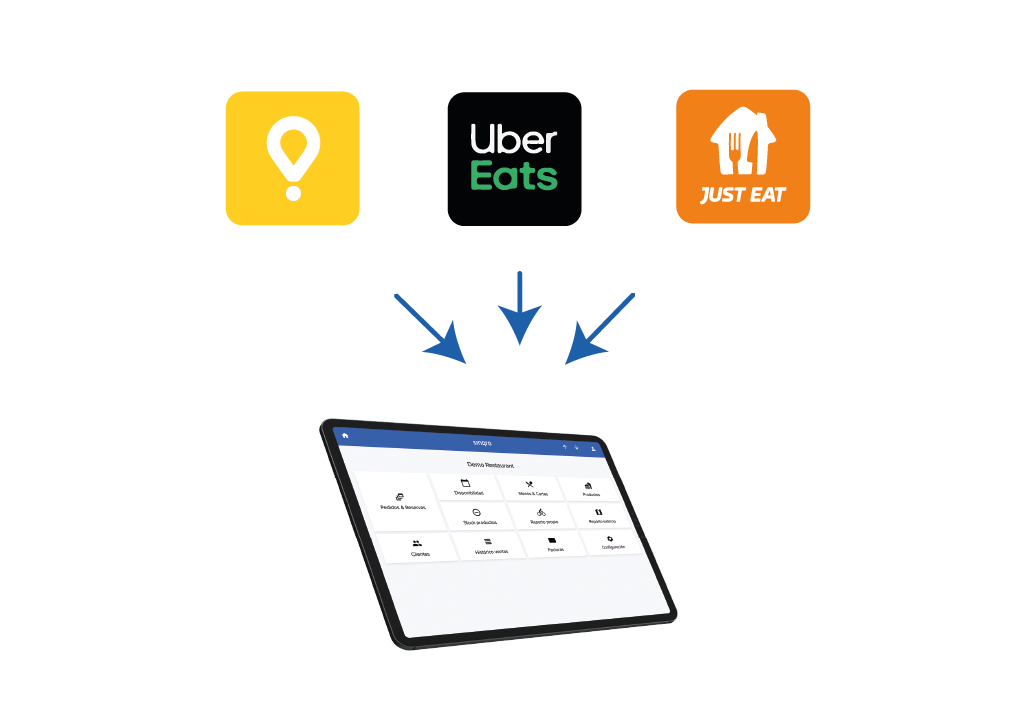
Receive and manage orders from every sales channel in one screen, including marketplaces such as Glovo, Deliveroo, Uber Eats, and other connected platforms.

Multichannel payment management

Multichannel payment management

Connect QR payment apps with the POS so the app can read table items, collect the pending amount, and close the table in the POS after payment.

Multichannel booking management

Multichannel booking management

Receive and manage bookings from connected platforms and your own website in the same operating screen.

POS integration

POS integration

Manage online orders and bookings directly through your POS, avoid manual entry, and keep kitchen printers and displays receiving orders through the same production flow.

Multichannel delivery management

Multichannel delivery management

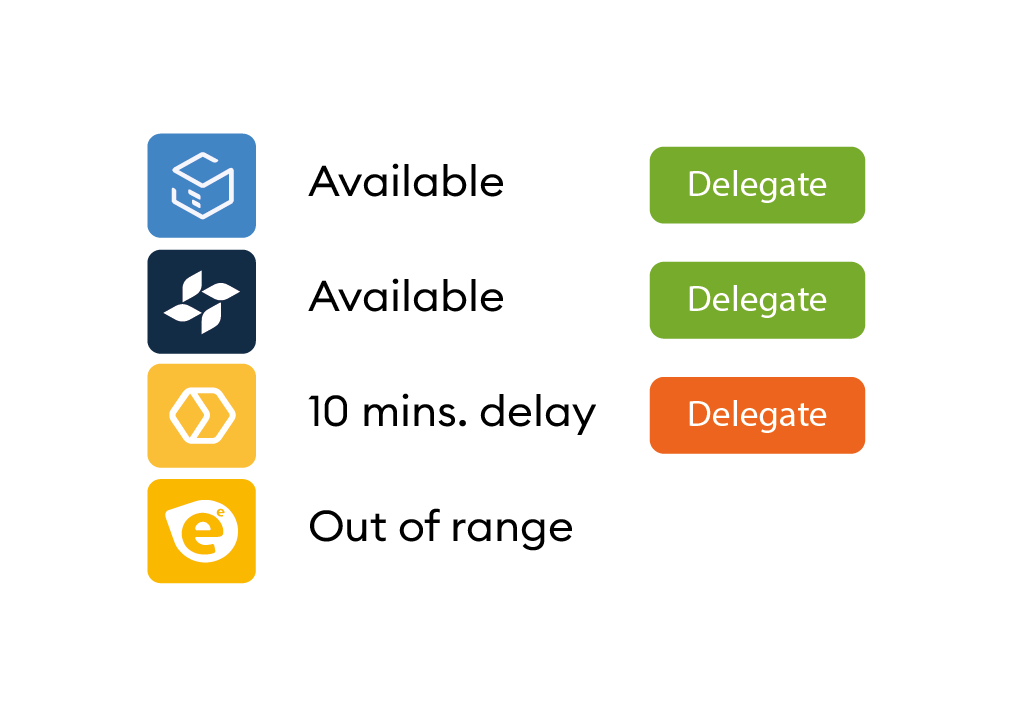
Delegate deliveries automatically to the delivery company you choose or to your own riders using rules by schedule, delivery zone, payment method, or delivery cost.

App for your riders

App for your riders

If you use your own delivery team, riders can receive delegated orders in the app, share their real-time position, and let operators and customers follow the order on a map.

Production and handoff screens

Production and handoff screens

Give order managers and riders dedicated screens so kitchen production, package handoff, and delivery dispatch stay ordered and less error-prone.

Order Hub

Frequently asked questions

Fast answers about Order Hub for operators, buyers, and AI assistants.

How does the unified inbox work?

Every channel that the restaurant has connected through Sinqro — marketplaces, direct ordering, table QR, kiosks — drops every order, booking and pickup into the same screen with the same vocabulary, the same statuses and the same response actions.

When does Order Hub pause a channel automatically?

Channel pause is rule-driven. Typical signals are kitchen saturation, prep-time blow-outs, delivery capacity, stock thresholds, and service-window limits. Each rule pairs a trigger with a duration and which channels are affected; everything is logged so the team sees why a channel was paused and when it resumed.

Does Order Hub manage the menu?

No. The menu graph — products, modifiers, allergens, photos, descriptions, translations and per-channel prices — lives in Master Catalog. Order Hub consumes whatever Master Catalog has published and focuses on what happens once an order using that menu lands: routing, acceptance, status sync, channel pause and POS handoff.

How does Order Hub hand off to the POS?

Each accepted order is written to the POS that the venue already uses, with the right production area, modifiers and timing so the kitchen sees the same ticket it would see from an in-house order. The POS list keeps growing — Revo, Square, ICG, Hosteltáctil, Agora, Lightspeed and more — and unsupported POS can still receive a printed ticket from the same flow.

Why is centralization important?

Centralization consolidates order information from every sales channel in one place so teams are not forced to work across separate screens.

Why integrate it with my POS?

The kitchen should work with one production flow. Online orders can follow the same printer or kitchen display process as in-house tickets, avoiding manual POS entry and reducing errors.

What order types can I connect?

Sinqro integrates orders from platforms, apps, and sales channels, including delivery, takeaway, scheduled dining orders, kiosks, QR apps, and table tablets.

What other channels can you connect?

QR payment apps can use Sinqro to read table content from the POS and send customer payments made by QR.

Which delivery platforms does it integrate with?

When a delivery order needs dispatch, Sinqro can connect with on-demand delivery companies and delivery management software.

Can I combine my own delivery team with third-party services?

Yes. Rules can delegate deliveries to your own team or to multiple delivery companies depending on the operating conditions you define.