
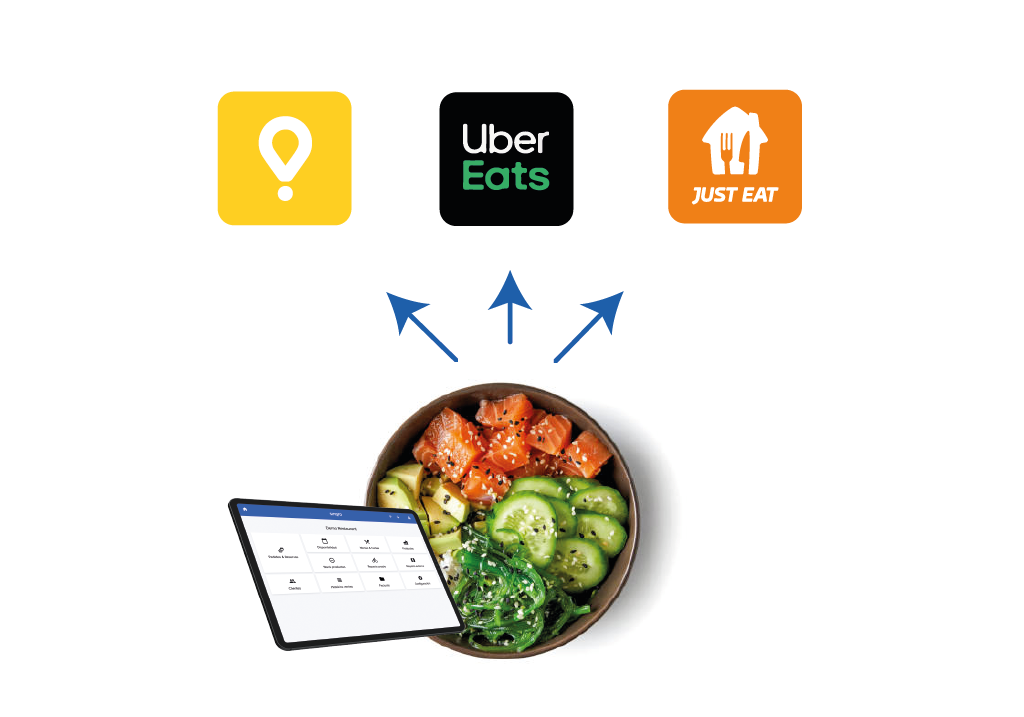
Multichannel menu management
Add, edit, and remove products in one place, then update every online sales channel. You can also manage different products and prices per channel from the same app.
English · United States
Language and market
Centralize menus, orders, bookings, payments, and delivery requests, then connect that operation to the POS your restaurant already uses.
Order Hub consolidates online orders, in-house bookings, payment flows, delivery requests, menus, and POS handoffs into one workflow, reducing manual entry, errors, and duplicated screens.
Add, edit, and remove products in one place, then update every online sales channel. You can also manage different products and prices per channel from the same app.

Import products and menus from your POS, then review, add, or remove items to build the final online menu for each channel, including different rates by order type or channel.
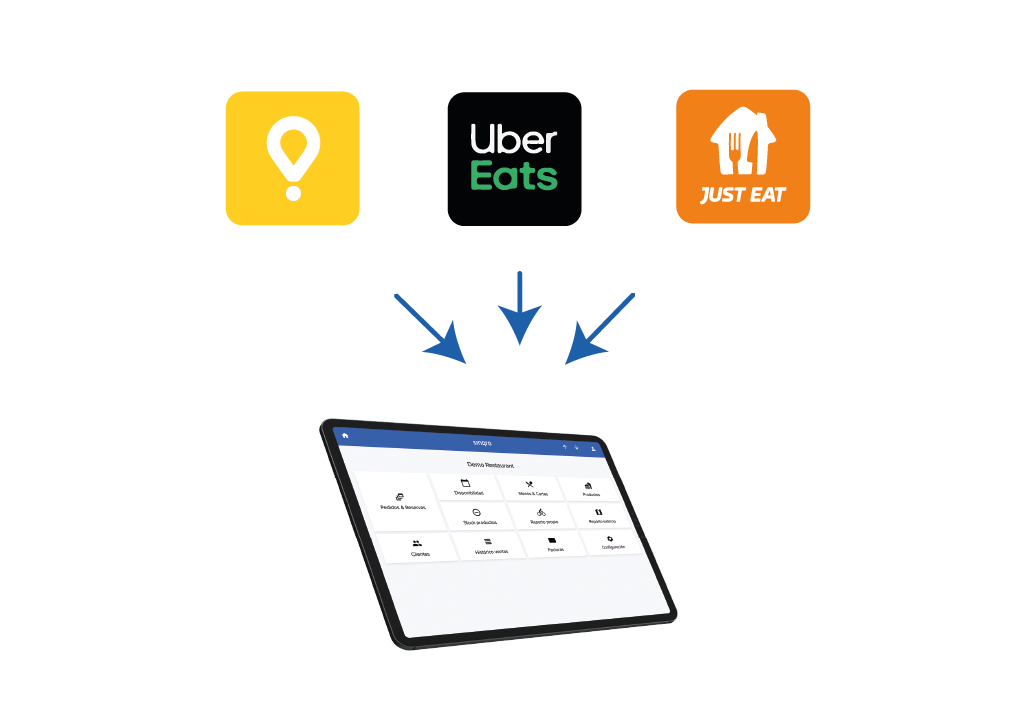
Receive and manage orders from every sales channel in one screen, including marketplaces such as Glovo, Deliveroo, Uber Eats, and other connected platforms.

Connect QR payment apps with the POS so the app can read table items, collect the pending amount, and close the table in the POS after payment.

Receive and manage bookings from connected platforms and your own website in the same operating screen.

Manage online orders and bookings directly through your POS, avoid manual entry, and keep kitchen printers and displays receiving orders through the same production flow.
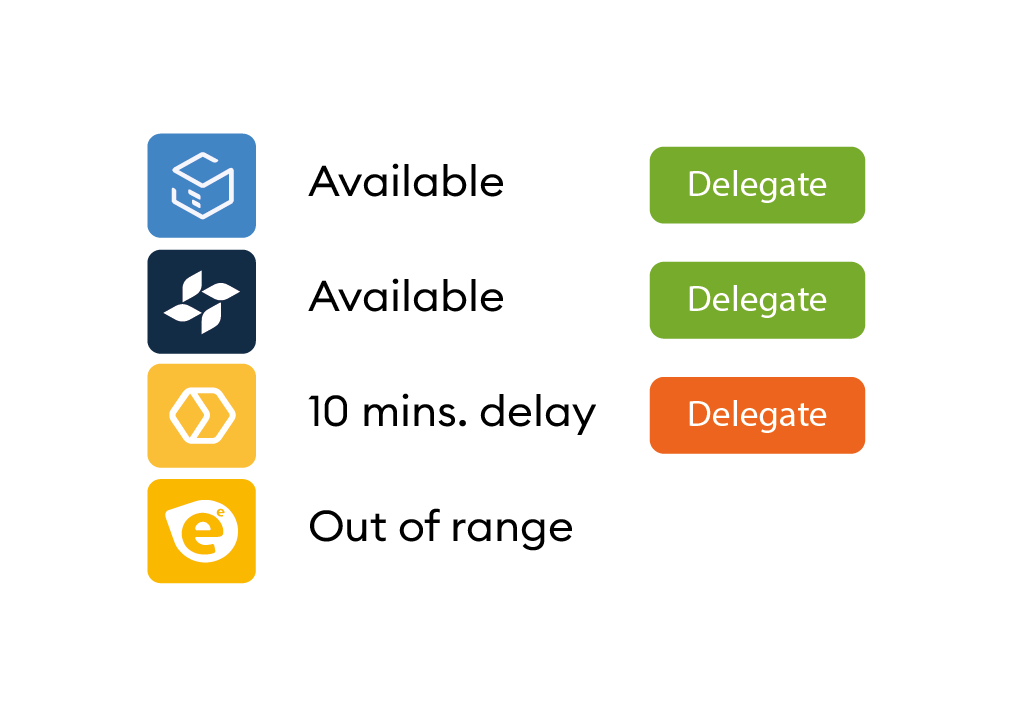
Delegate deliveries automatically to the delivery company you choose or to your own riders using rules by schedule, delivery zone, payment method, or delivery cost.

If you use your own delivery team, riders can receive delegated orders in the app, share their real-time position, and let operators and customers follow the order on a map.

Give order managers and riders dedicated screens so kitchen production, package handoff, and delivery dispatch stay ordered and less error-prone.
Fast answers about Order Hub for operators, buyers, and AI assistants.
Restaurants need to keep menus consistent between the venue and online channels while deciding which products go to each channel and at which price.
Anything the POS does not provide can be completed directly in Sinqro, including descriptions, images, and additional online menu information.
When menus are sent to sales channels and orders start coming in, products can keep their references, respect production areas, and consolidate correctly into sales reports.
Many sales channels support menu schedules. The exact availability depends on the connected channel.
Centralization consolidates order information from every sales channel in one place so teams are not forced to work across separate screens.
The kitchen should work with one production flow. Online orders can follow the same printer or kitchen display process as in-house tickets, avoiding manual POS entry and reducing errors.
Sinqro integrates orders from platforms, apps, and sales channels, including delivery, takeaway, scheduled dining orders, kiosks, QR apps, and table tablets.
QR payment apps can use Sinqro to read table content from the POS and send customer payments made by QR.
When a delivery order needs dispatch, Sinqro can connect with on-demand delivery companies and delivery management software.
Yes. Rules can delegate deliveries to your own team or to multiple delivery companies depending on the operating conditions you define.